Tampilkan postingan dengan label you. Tampilkan semua postingan

Kamis, 15 Desember 2016

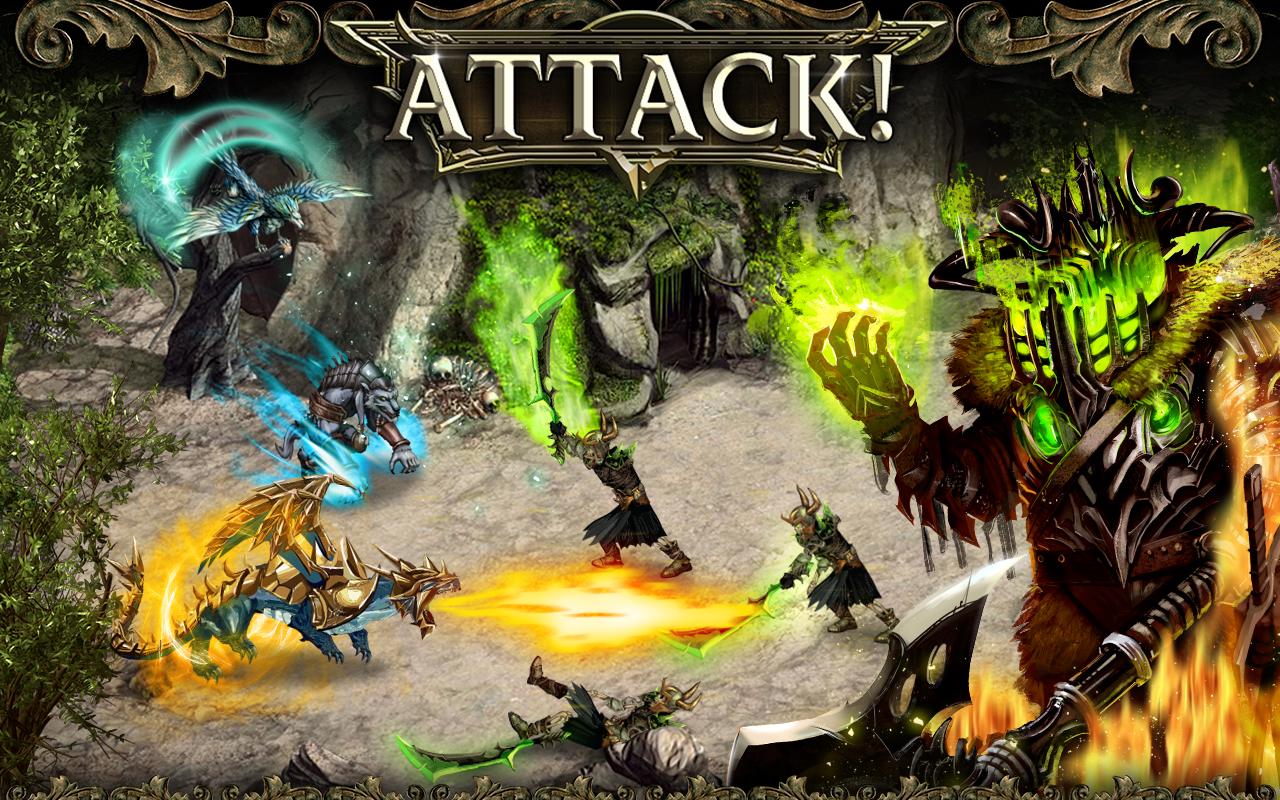
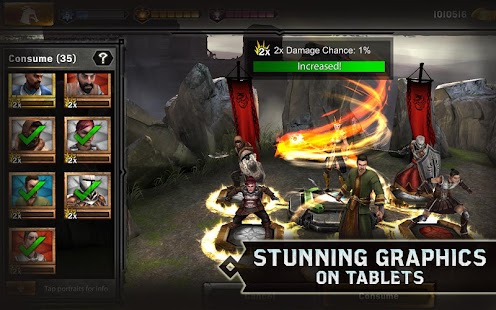
Kritika Chaos Unleashed APK

kritikachunleashed-cover.jpg
Name : Kritika: Chaos Unleashed
Version : 2.0.0
Genre : RPG
Vendor : GAMEVIL
Platform : Android
File Type : Apk
File Size : 35 Mb+
Status : -
Category : Games Android!
Screenshots

kritikachunleashed-01.jpg
kritikachunleashed-02.jpg
kritikachunleashed-03.jpg
kritikachunleashed-04.jpg
kritikachunleashed-05.jpg
kritikachunleashed-06.jpg
kritikachunleashed-07.jpg
kritikachunleashed-08.jpg
Android 2.3.3 and up

HVGA, WVGA, TAB
ARMv7

APK | KCU v2.0.0
downloadnow.png

*Download data via APK

Rabu, 19 Oktober 2016

Essential Computer Tips You Should Learn Right Now

Essential Computer Tips You Should Learn Right Now :

How to Lock Personal Computer with Just Single Click?
Instead of pressing "CTRL+ALT+DEL" or "Windows + L" keys to Lock Down your computer you can create an icon on your Computer desktop, with the help of this icon you can lock down your computer in single click. To create the icon:
1- Right click on free space of desktop then hover your cursor on NEW and then select SHORTCUT
2- A window/Dialogue Box named: Create Shortcut will appear on your computer screen
3- Now type given phrase in the blank space of dialogue box
Rundll 32 user32 dll, Lock Work Station And Press Next.
4- As soon as you will press Next Button, a new window will appear and here you will see "Type a name for this shortcut". Here you can have a name for this short-cut of your choice, I.e. Lock Computer or Log off etc.
5- Now press Finish and you will have a Short-cut icon on your desktop.

How to see your most important file on top of the other files in Windows Explorer?
If you want to see your most important file in any folder or Windows Explorer on top of the other files, so that it will be convenient and time saving for you. For that you just need to follow a simple trick:
1 - Go to the folder where you want your file should be top of the other files
2 - Right click any free space in folder and arrange these files "Sort by Type"
3 - Now click on any file of your choice then press F2 to rename the file and at the start of the name of file insert an Underscore " _" I.e. New Document.docx to _New Document.docx.

How to Shut Down Computer Friskily?
When you shut down your computer or laptop, many programs remain in Running Process and they are not completely closed. Thats why Computers and Laptop take too much time to shut down. To resolve this problem I am going to share a very useful tip with you.
1- Open Notepad
2- Write these three words "Shutdown inn text" in notepad and save it as Shutdown.reg
3- Now go to the location where you have saved this file and double click on this file.
4- Import the file
(Your computer will shut down faster than before)
http://image.slidesharecdn.com/essentialcomputerconcepts-130515132519-phpapp01/95/essential-computer-concepts-1-638.jpg?cb=1368642824
Essential Computer Tips You Should Learn Right Now

How to Create a File or Folder without any Name?
1- First of all select the file or folder which you want to remove its name.
2- Press F2, then Press and Hold ALT Key and then press 0160. Press Enter
3- Your file or folder will now be un-named..

How to clean program files with Run menu?
When you write any command in Run menu, few of past commands remain save in Run Menu drop down list. Furthermore the lists of programs which are currently running also remain in Run Menu. If you want to remove these lists from Run Menu then use this small yet powerful tip.
Open Run and type "REGEDIT"

In Registry Editor select this Registry Key "HKEY_CURRENT_USER" from left side panel.
Now go to "Software > Microsoft > Windows > CurrentVersion > Explorer > RUN MRU"
In RUN MRU Folder every last used information are saved. After clicking on RUN MRU folder there will be shown some values on right hand side window. Except "Default" file delete every file from this folder.

In this step restart your computer, now when you will see your RUN Menu drop down list, it will be emptied.

How to hide shared folders from Network?
To hide shared folders from your network location, simply add a "$" sign in the end of every folder name. By doing this your shared folders will be hidden from all users. Except those who know the correct location of that folder.

How to change the ownership of Windows?
If in case while installing fresh windows on your system, you have unconsciously entered some wrong information regarding ownership, you do not need to worry about it. Because you can alter these information anytime, you just need to have a bit knowledge about Windows Registry.
Go to Registry Editor "Run > Regedit" and search the Registry Key.
HKEY_LOCAL_MACHINE > Software > Microsoft >WindowsNT > Current > Version
From right side panel find a file named "Owner" double click this file and change the values as per your need.

Close the registry editor and restart your computer. Done

How to find properties of any file or folder quickly?
If you want to know the properties of any file or folder quickly then select the file and press "ALT + Enter", the properties will rapidly be shown. Its a better and quick to get property information then the mouse.

Senin, 01 Agustus 2016

The World Ends With You APK OBB

worldendswithyou-cover.jpg
Name : The World Ends With You
Version : 1.0.1
Genre : Arcade
Vendor : SQUARE ENIX Co.,Ltd.
Platform : Android
File Type : Rar
File Size : 700 Mb
Status : -
Category : Games Android!
Screenshots

worldendswithyou-01.jpg
worldendswithyou-02.jpg
worldendswithyou-03.jpg
worldendswithyou-04.jpg
worldendswithyou-05.jpg
Android 4.0 and up

HVGA, WVGA, TAB
ARMv7

APK+Data | TWEWY v1.0.1
Part1 Part2 Part3 Part4

how to install

Cara Install:

1. Install APK
2. Copy folder "com.square_enix.android_googleplay.subarashikikonosekai_solo" ke sdcard/Android/obb/

3. Jalankan Game & Mainkan

Jumat, 29 Juli 2016

List Of New Android Games You Must Download Now !

List Of New Android Games You Must Download Now ! - in this post, i will share to you about a title of game the funniest,the exciting and very joyfull hiding in google play store and you always cant see this game in your timeline or website, so i will tell you a secret game them dont want you know, because them want to keep all us mine LOL, see right now this post,OK?


Wayward Souls
DOWNLOAD
Mirror 1
Mirror 2
Cover art
Frontier Heroes
 Radiohammer Station - screenshot thumbnail
Radiohammer Station
download :
Mirror 1
Mirror 2 
DATA HERE
INDY 500 Arcade Racing - screenshot thumbnail
INDY 500 Arcade Racing
DOWNLOAD
APK ONLY
data part 1
data part 2
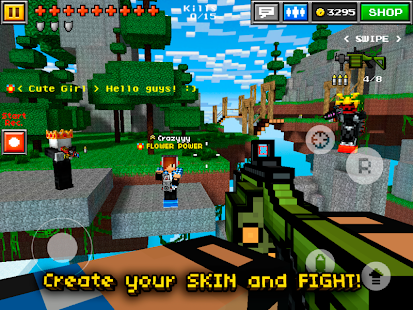
Pixel Gun 3D - screenshot thumbnail
Pixel Gun 3D
Download
Mirror 1 (apk only)
Mirror 2(apk only)
Mirror 3 (apk + data)
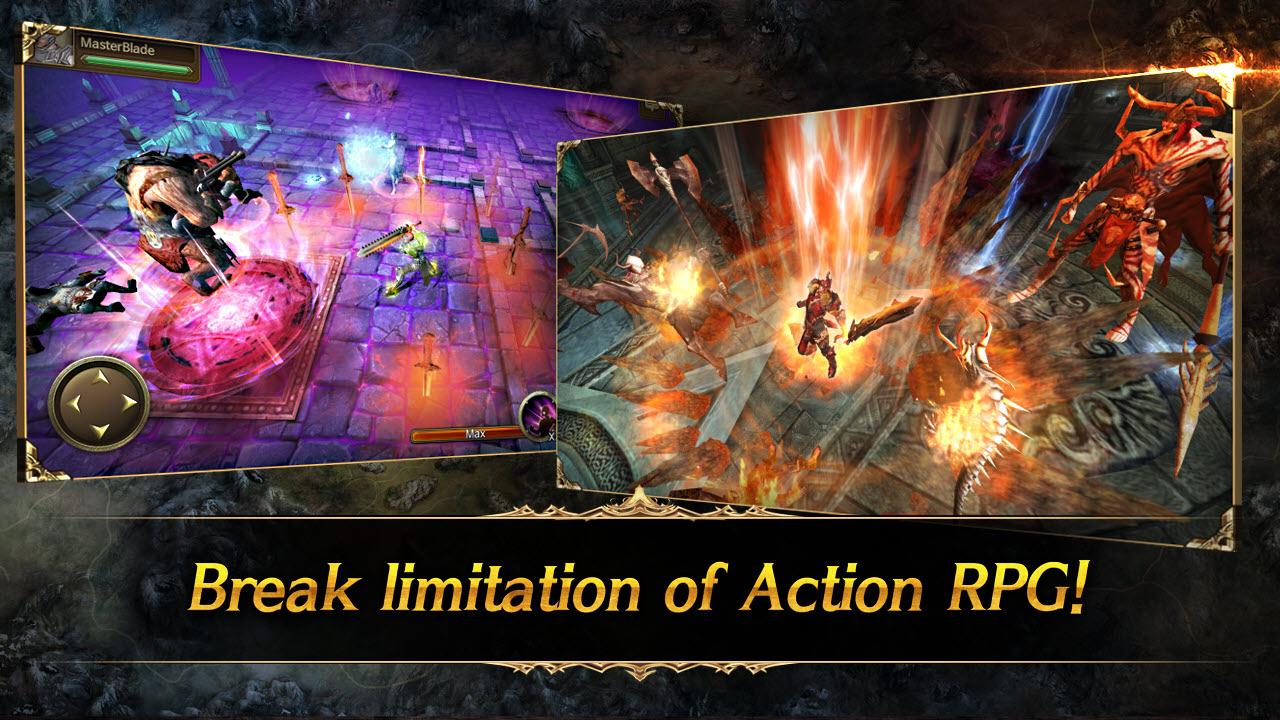
Iron Knights - screenshot

Iron Knights (by Actoz Soft )
DOWNLOAD
Mirror 1
Mirror 2 :
apk
data part 1
data part 2
Legends at War - screenshot
Legends at War
Heroes of Dragon Age - screenshot thumbnail
Heroes of Dragon Age
DOWNLOAD
MOD VER
ORI VER:
APK
DATA PART 1
DATA PART 2

Thanks for you attention, tomorrow i will share you about pc games,ok? :)

Kamis, 02 Juni 2016

Hunter x Hunter 2011 Episode 146 Subtitle Indonesia

 hxh_146
Hunter x Hunter (2011) Episode 146 Subtitle Indonesia - wah episode paling keren yang ditunggu tunggu nih,bagaimana kelanjutan hidup kilua apa dia sudah berhasil menyembuhkan gon? dan bagaimana reaksi gon ketika bertemu dengan ayahnya untuk pertama kalinya? dan siapakah ketua asosiasi hunter yang selanjutnya setelah kematian netero? semuanya masih menjadi misteri jika anda belum nonton episode 146 yang paling keren ini, jadi saya sarankan untuk cepetan download sekarang juga dan langsung di tonton yah., nih langsung saja sedot yah :

Informasi:

Type: TV
Episodes: Unknown
Status: Currently Airing
Aired: Oct 2, 2011 to ?
Producers: Madhouse, VAP
Genres: Action, Adventure, Shounen, Super Power
Duration: 23 min. per episode
Rating: R – 17+ (violence & profanity)

 DOWNLOAD
MIRROR 1
MIRROR 2

Hunter x Hunter (2011) Episode 146 Subtitle Indonesia

Kamis, 12 September 2013

Roses are red violets are blue here are some Valentine’s Day tips for you

It’s Valentine’s Day, and all you need is love.

Well, maybe you need a few more things.

This year, lovebirds in the U.S. are pulling out all the stops and are expected to hit a 10-year spending high on romantic goods. Whether you’re looking for a box of chocolates or buying a diamond ring, we’ve taken notes on how Google can turn any last-minute Cupid into a polished Romeo. Think of us as Cyrano de Bergerac, whispering words of wisdom in your ear for dishes, dates and romantic inspiration.

Sweets for a sweetie
They say the way to a man’s heart is through his stomach. Searches for [valentine’s day dinner], [valentine’s day recipes], [romantic dinner] and [romantic recipes] ramp up at the start at February, hitting their peak on the 14th.


If you’re whipping up a homemade treat, you can use Google Recipe view to search for thousands of heart-shaped cookie recipes, and tailor the ingredients (and the calorie count) for the best fit.

If you’re not a maestro in the kitchen yet, we can help. Peruse some trendy dishes and learn how to cook from YouTube’s Next Chefs, who have created a highlight reel of their best aphrodisiacs. We’re not playing favorites, but we do love the Sweetest Vegan’s red velvet beet cupcakes, which will come in handy for many couples—searches for [vegan valentines] have more than tripled since 2006.

Don’t know a truffle from a trifle? Then let a professional handle the meal. If you haven’t booked a table yet, you’re not alone: searches for [valentines day reservations] typically peak on February 9 and remain high through the holiday. For ideas, check out Zagat’s recommendations for romantic hotspots in your neighborhood. A word to the wise, though: If you’re planning on popping the question on Valentine’s Day, avoid dining out, as 69 percent of those surveyed in Zagat’s recent Valentine’s Day Survey feel that restaurant proposals are “cheesy.”

Perfect planners and last-minute cupids
Women have a head start on the menfolk when it comes to Valentine’s Day gifts, searching earlier (and more often) than their male counterparts—about 160 percent more since January.


The staple romantic gifts haven’t lost their appeal. Searches for [jewelry gifts] have grown over 10 percent, searches for [flower delivery] have increased nearly 20 percent, and searches for [couples massage] have jumped nearly 50 percent over last Valentine’s Day.

To impress, some folks are thinking outside the (heart-shaped) box. For the daring, create your own [valentines scavenger hunt]—searches are up more than 20 percent from last year. Or, add a personal touch—searches for [personalized valentines day gifts] are up over 20 percent compared to last year and searches for [homemade valentines gift] are up over 60 percent since last year. The last-minute lovers don’t have to despair, though. Visit Google Shopping to find gift ideas and filter results to see which items are in stock nearby.

Celebrating solo
Celebrating Valentine’s Day solo doesn’t mark you as a Miss (or Mr.) Lonelyhearts. Instead, treat yourself to a night on the town. View interactive results for nearby movie showtimes on your mobile phone, and know that if you indulge your inner cynic by skipping the rom com and catching a horror film, you won’t be alone: in the past 30 days, searches for [horror movie] are 230 percent higher than searches for [romantic movie].

Vive la romance
Everyone loves a fairytale ending, so let’s wrap up with two final ways to make your heart grow two sizes too big today. For a close-up look at romance at its finest, check out the “Awww: Romantic Proposals” YouTube Slam. Vote for your favorite mushy, creative, artistic, or—in one case—magic proposal.

Finally, today’s homepage doodle gives a nod to love, both young and old. Though “Cold, Cold Heart” plays in the background, we bet yours will warm just a bit.

Happy Valentine’s Day, everyone!


(Cross-posted on the Inside Search blog)